← Landing Pages
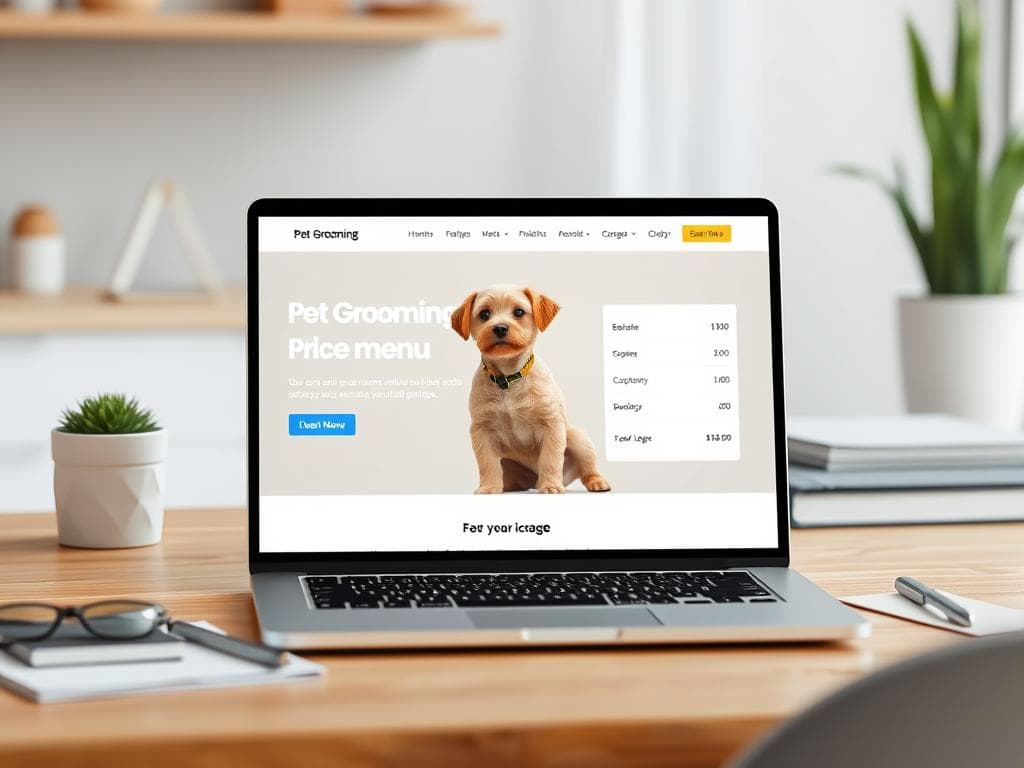
Pet Grooming Price Menu (Transparent Grid)
Opaque pricing is the top reason grooming inquiries go silent. A size-by-coat grid plus an 'every groom includes' checklist answers price first and proves value second, cutting DM back-and-forth dramatically.
Works withChatGPTGemini
prompt
Write a transparent pricing-menu page for {shop_name}, a pet grooming salon. Organise it as a size-and-coat grid — small, medium and large dogs plus cats — with starting prices from {base_price}, then a separate add-on menu featuring {popular_addon} and three more upsells. Under the grid add an 'every groom includes' checklist of five basics to justify value, a plainly worded surcharge box covering {policy_note}, and a closing CTA pairing online booking with a message-for-quote button. Use friendly, judgement-free wording for matting and behaviour notes so owners never feel blamed. Output as labelled blocks with markdown table rows; keep the page under 350 words.Variables
| Variable | Description | Example |
|---|---|---|
| {shop_name} | Name of the grooming salon | 毛孩澡堂 |
| {base_price} | Starting price of the cheapest groom | NT$800 |
| {popular_addon} | Most popular add-on service | 深層 SPA 泥膜浴 |
| {policy_note} | Surcharge policy that needs explaining | 嚴重打結與跳蚤處理加價標準 |
Use case
A pet grooming salon owner who answers 'how much for a wash and trim' messages every single day.
Recommended tools
Contains affiliate links: we may earn a commission when you purchase or sign up through them, at no extra cost to you.